Administration overview
Administration brings together organization management, AI configuration, data management and operations. This overview helps you find the right area.
Open Administration
Open your user menu and select Administration. The left navigation switches to the management areas. Back to workspace returns you to the normal workspace.
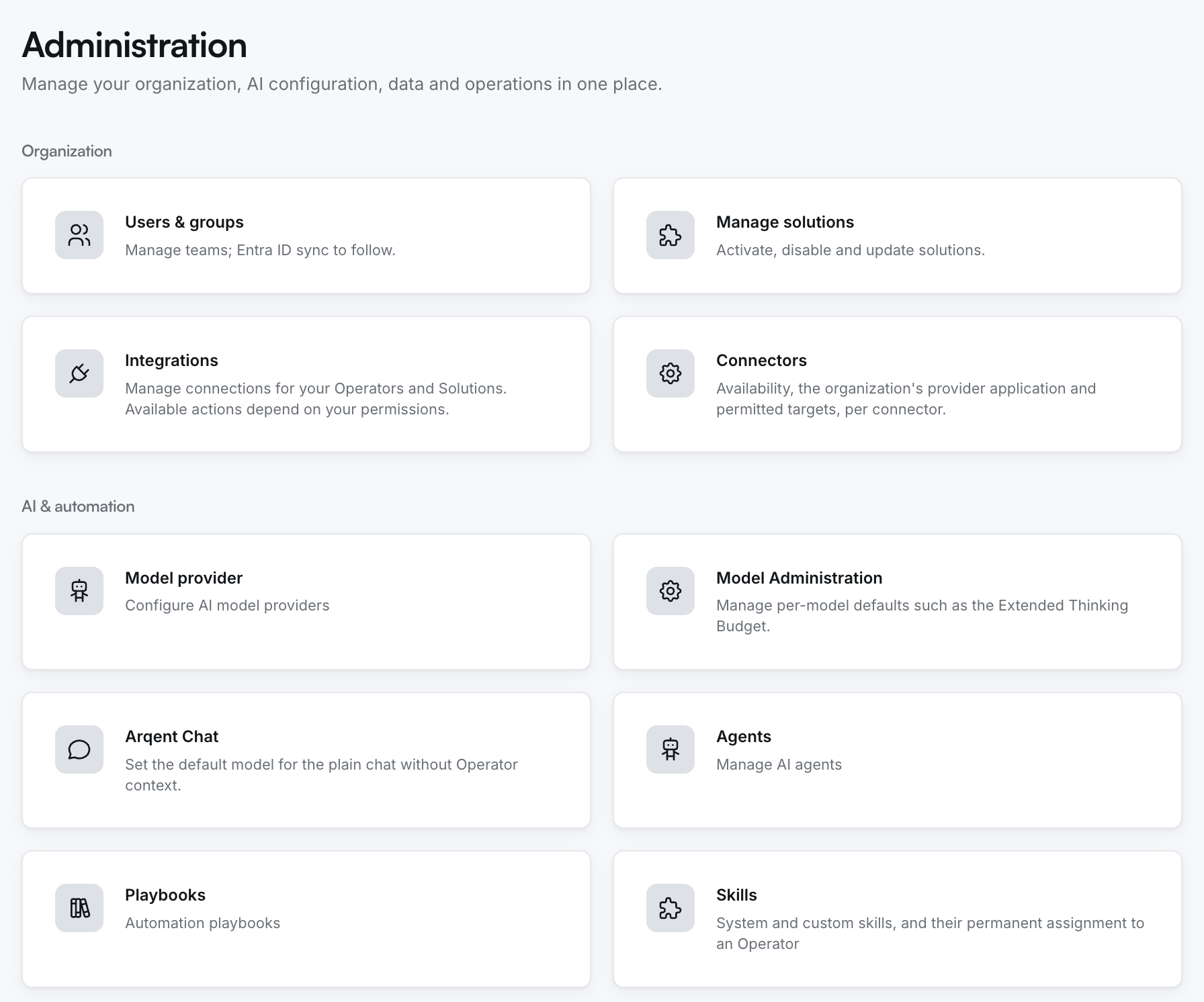
Find the right area
| Area | Main starting points |
|---|---|
| Organization | Users & groups, Manage solutions, Integrations, Connectors |
| AI & automation | Model provider, Model Administration, Arqent Chat, Agents, Playbooks, Skills |
| Data management | User storage, Project storage, Shared repositories, Taxonomy, Ontology templates |
| Operations & monitoring | Audit trail, Usage & cost, Tool health |
Help new users get ready
For their first chat, users need a valid account, workspace access and a working Chat configuration. Operators, Projects and integrations require their respective permissions as well.
See Prepare onboarding for your team for a suggested sequence.
Make changes deliberately
Check the scope before making changes. Default Chat configuration, Skill assignments and integration setup can affect more than one conversation.
Use your organization's roles and approval processes. Seeing the administration area doesn't replace checking permission for a specific action.