Work with a document
You want to summarize a document, compare content or extract specific details. First, decide which file should be the source.
Requirements
- You're allowed to use the file for this task.
- Attachments are available in your chat.
- Your environment supports the file format.
Use a document in Chat
- Open the appropriate chat or select New chat.
- Select Attach file using the plus icon beside the input field.
- Choose the file in the file picker.
- Check the visible attachment and its filename before sending.
- Describe what Arqent should do with the document.
- Send the request and check the result against the file.
Summarize the attached document in five key points.
Then list open questions and information still needed for a decision.
Don't add information that isn't in the document.
Include references to the relevant passages where available.
Drive and chat attachments
My Drive opens your files. This doesn't select a file as a source for a chat message. What matters is which file is actually displayed as input in the chat.
Work with project files
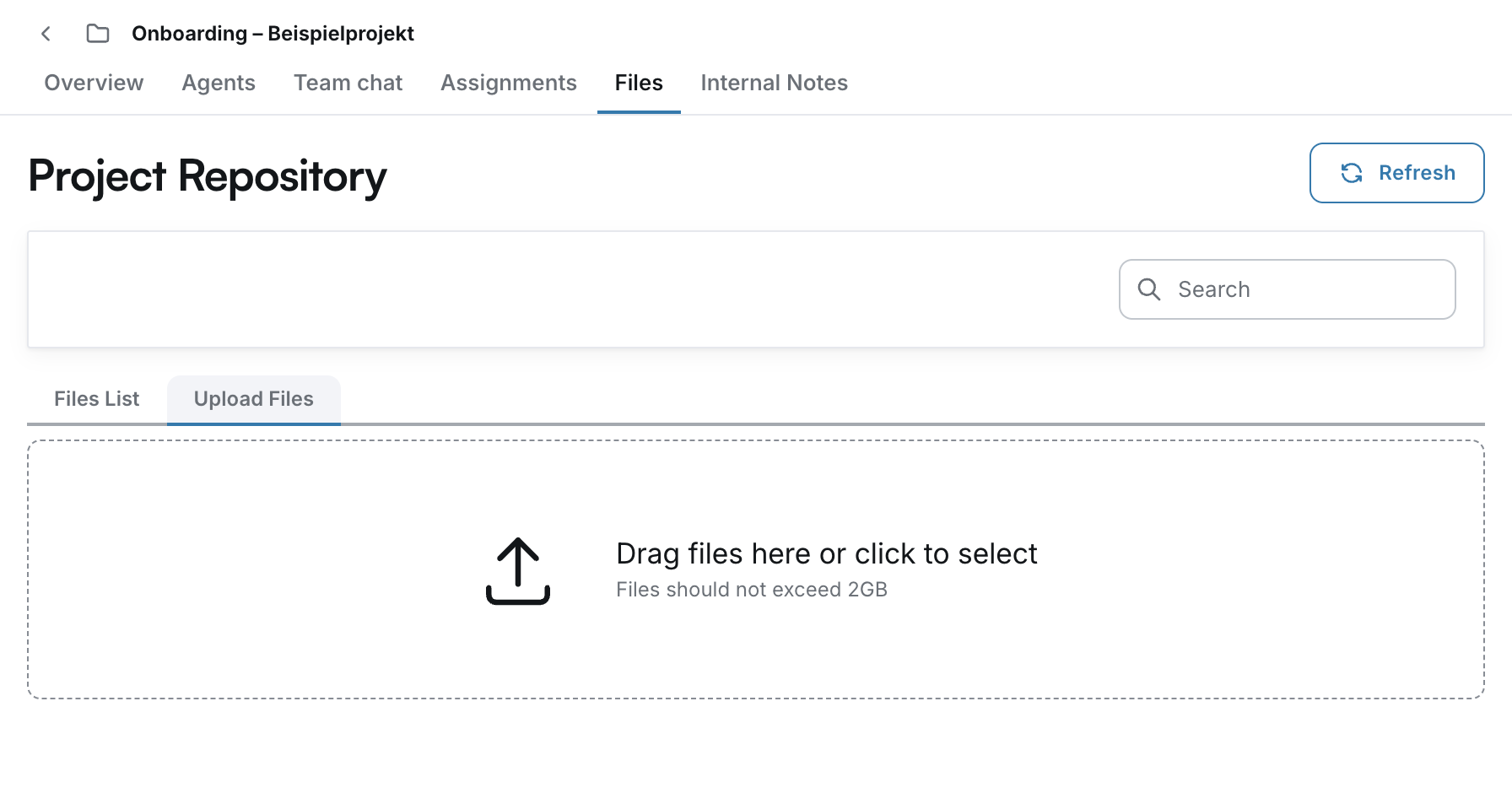
Open the project first, then select Files. Project Repository contains Files List and Upload Files.
Under Upload Files, drag files onto the displayed area or open the file picker. Afterwards, check Files List to confirm the file has arrived.
Storing a file in a project doesn't select it in every conversation. When working with a Project Agent, also check which sources are included in the specific task.
Review the result
Is the filename correct? Do the claims match the right version? Can you find important numbers and quotations in the file? If Arqent can't read a file, resolve the issue before continuing with its content.
Having trouble? A file is missing or can't be used.