Contact support
If the documentation doesn't resolve your question, you can reach human support through Arqent.
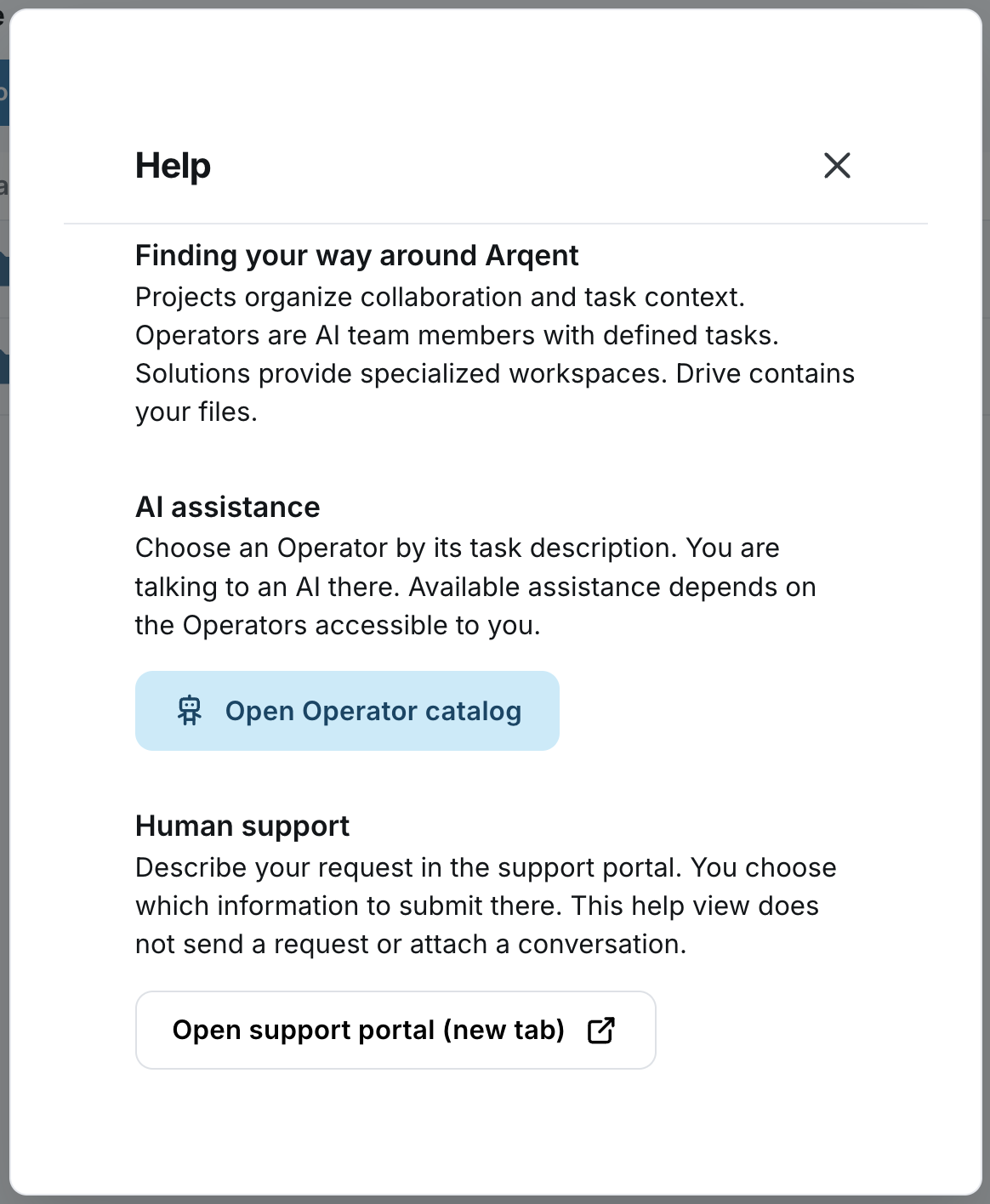
Open support
- Select the Help question mark at the bottom of the navigation.
- Go to Human support.
- Select Open support portal (new tab).
- Describe your issue in the support portal.
Useful details to include
Affected area:
What was I trying to achieve?
Which steps did I take?
What happened instead?
Visible error message:
Time and browser:
Link to the relevant documentation article, if applicable:
A screenshot of the affected area can help. Check what information is visible before submitting it.
Share information carefully
Don't share passwords, one-time codes or API keys. Check file contents and other people's personal data before sending attachments.
When to contact your own administrator
For missing projects, Operators, permissions or approved integrations, your organization's administrator is a suitable first contact.
For help with tasks, the Help dialog also offers Open Operator catalog. That opens access to Operators; human support is reached through the support portal.
Something missing or looking different in your workspace?
Here's how to get support.